AI Club Annual member? Get Lazy Edit Studio free — join AI Club Annual
Lazy Edit StudioOpen studio
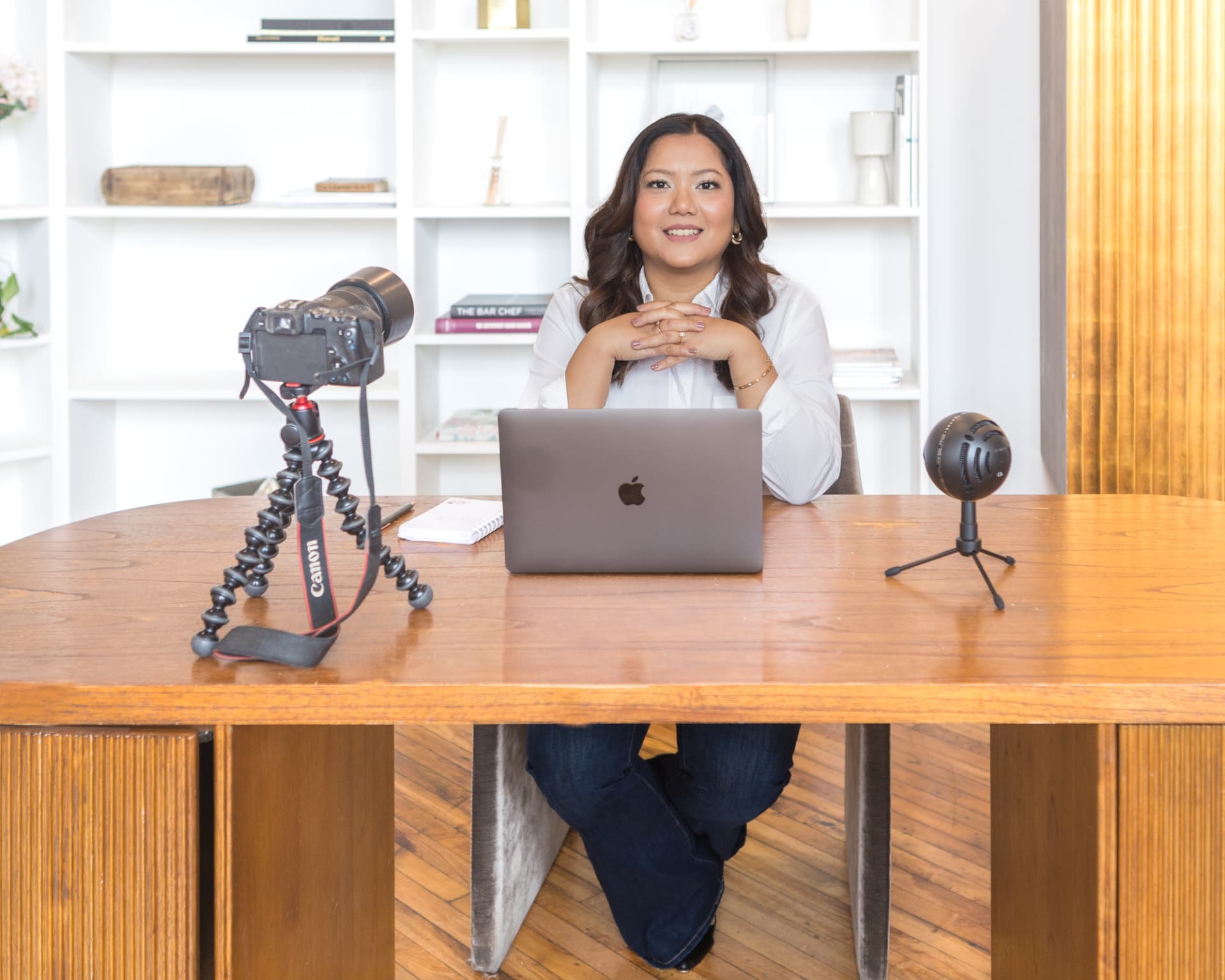
Shruti Pangtey at her desk with a camera, laptop and microphone

For the talking-head videos still sitting in your drafts

Lazy Edit StudioYou already filmed it.
Let’s get it posted.

Upload. Get cuts, captions, B-roll and sounds in minutes. Tweak anything. Post.

$199/year

15 video downloads every month · Up to 3 minutes each · Vertical 9:16 (1080×1920)

Try 1 video free — with watermark

Watch it work

See a full edit, start to finish.

Raw in. Ready out.

Same footage. Ready to post.

Both are vertical 9:16 (1080×1920) — the shape Instagram Reels, TikTok and YouTube Shorts use.

Before · What you upload

After · What you download

A note from Shruti

I was done paying thousands.

“I used to pay thousands of dollars a month to a video editor for around 10 videos. I wanted a simpler way to get my content edited without spending hours doing it myself.

So I started wondering: could I upload a video, get a first edit, change the bits I didn’t like and get it posted? That’s why we built Lazy Edit Studio.”

Shruti Pangtey

Created by Shruti Pangtey

Built by a creator who keeps showing up.

Thousands of posts. Three growing accounts. Lazy Edit Studio grew out of the same problem you face: getting the next video edited and posted.

3,500+
Posts across three accounts
291,500
Combined Instagram followers

@shrutipangtey

1,540 posts · 178,000 followers

@digitalplrhub

1,541 posts · 86,300 followers

@digitalempiresofficial

530 posts · 27,200 followers

Counts shown in the supplied profile screenshots. Combined followers may overlap across accounts. Creator experience—not results achieved with Lazy Edit Studio.

Sound familiar?

Filming isn’t the hard part. Editing is.

You film it, then it sits in your drafts.

Editing is a second job. So good videos die unposted.

Every pause, “um” and retake is yours to find.

Frame-by-frame scrubbing eats the evening you saved for creating.

Captions take longer than filming.

Typing and timing every word by hand is where edits die.

Paying an editor adds up fast.

Slow revisions. A bill every month.

Lazy Edit Studio does the edit: cuts, captions, zooms, sounds, cutaways. You fix what you want. Then post.

Less fiddling. More posting.

See the tools take work off your plate.

Real edits in Lazy Edit Studio: fewer repetitive steps, more control over the final video.

Skip the awkward pauses.

Audio analysis marks quiet gaps for removal. Restore a pause instead of hunting for it on the timeline.
Cut the word. Keep the rest.

Remove a transcript word to cut that moment of footage. No searching for its start and end.

Your captions, your style.

Start with generated captions. Swap the style and colours without rebuilding the design.

A cutaway, not another task.

Place moving B-roll while your voice continues underneath. No separate audio-track alignment.

The tools behind the edit

What it does. What you stop doing.

The repetitive work gets a head start. The creative decisions stay with you. Here’s exactly what each tool takes off your plate.

Automatic silence cuts

Automatic

How it works
Scans your audio for quiet gaps and marks pauses to cut. Adjust the pause threshold or restore any cut.
Replaces
Scrubbing through the whole recording to find dead air.

Sentence cleanup

One tap

How it works
Clean sentences marks incomplete lines and adjacent repeated starts for removal, keeping the later take. Review and restore any cut.
Replaces
Hunting down false starts and cutting earlier retakes by hand.

Text-based word cuts

You choose

How it works
Remove a word from the transcript to cut that moment from the video. Restore it if you change your mind.
Replaces
Finding a spoken word on the timeline and making two precise cuts.

Animated word captions

Automatic

How it works
Transcribes your upload and builds word-by-word captions with estimated speech timing. Edit the wording before export.
Replaces
Typing out your recording and building captions from scratch.

Caption styles and colours

One tap

How it works
Pick Soft Rose, Editorial or Sage Studio. Use swatches to change text colour and choose a black or white background.
Replaces
Setting up caption fonts, colours and backgrounds one detail at a time.

Automatic punch-in zooms

Automatic

How it works
Adds subtle zooms around emphasis words. Adjust the effect density or switch individual zooms off.
Replaces
Creating and positioning every punch-in yourself.

Moving B-roll

Automatic + editable

How it works
Places moving cutaways from the built-in library while your voice continues. Shuffle the placements or remove any clip.
Replaces
Searching for simple cutaways and lining them up on another track.

Your photos and screenshots

You choose

How it works
Upload an image in the B-roll area and place it at the playhead. A gentle zoom adds motion; choose Fit or Fill.
Replaces
Animating still images and setting their framing from scratch.

Focused sound effects

Automatic + editable

How it works
Adds spaced emphasis cues, including cha-ching and typewriter sounds. Place your own cues or upload a custom sound.
Replaces
Hunting for basic effects and aligning each hit from scratch.

Breath and beep controls

You choose

How it works
Enable reduction for detected possible breaths, mute added beeps, or mark a source-audio range to mute.
Replaces
Manually locating every isolated breath; unwanted source sounds can be muted without cutting the picture.

Direct iPhone uploads

On upload

How it works
Accepts iPhone MOV recordings as well as MP4. Audio extraction falls back to reading the video container when needed.
Replaces
Converting a supported phone recording before you can start editing.

Vertical 9:16 MP4 export

On download

How it works
Renders your cuts, captions, cutaways and sounds into a vertical 9:16 (1080×1920) H.264/AAC MP4 in your browser. Videos are up to 3 minutes.
Replaces
Making a separate social-media export and converting a WebM afterward.

Your last 5 drafts

Automatic

How it works
Saves recent edits and uploaded media in this browser so you can reopen a draft with its settings intact.
Replaces
Re-uploading footage and rebuilding an unfinished edit.

Caption timing is estimated, not exact word alignment. Review the result before posting. Processing and export time depend on your footage and device.

Your time has a price, too.

Three ways to get the edit done.

Hire an editor

A quote for every workload

Shruti previously spent thousands a month for around 10 videos. Your cost depends on your editor and scope.

Briefs, handoffs and revisions.

Edit everything yourself

Software + your time

Free or paid tools still need you to find pauses, time captions and place every cutaway.

Every repetitive step is yours.

Lazy Edit Studio

$199/year

15 video downloads a month. Automatic cuts, captions, zooms, sounds and moving B-roll. Review and adjust before exporting.

A first edit, not a blank timeline.

Costs and editing time vary. Try your own footage with the free demo before buying.

Membership

Everything included

$199 / year

  • 15 vertical exports/mo (9:16 MP4)
  • Auto silence & dead-air removal
  • One-tap retake & sentence cleanup
  • Text-based word & phrase cutting
  • Animated word captions & styles
  • Auto moving B-roll & photo overlays
  • Focus sound effects (cha-ching & typewriter)
  • Breath & beep audio cleanup
  • Direct iPhone .MOV upload support
  • Watermark-free 1080p downloads
  • Last 5 drafts auto-saved
  • All future updates included
Get access — $199/year

Secure checkout opens in a new tab.

Questions, answered.

What videos is this for?

Vertical talking-head videos and Reels you filmed yourself, up to 3 minutes long. Lazy Edit Studio edits existing footage; it doesn’t generate faceless videos.

Can I change the edit?

Yes. Edit caption words, text colors and backgrounds; restore cuts; toggle zooms and sounds; and add or remove optional B-roll before downloading.

Does it work on my phone?

Yes. Upload straight from your iPhone, including .MOV files. Downloads are MP4 files that play on iPhone, Instagram and TikTok.

What shape is the download?

Vertical 9:16 at 1080×1920 — the shape Instagram Reels, TikTok and YouTube Shorts use. You can upload landscape or portrait footage; it’s cropped to fill the vertical frame, so filming vertical gives the best result.

What is included?

15 video downloads per month on your computer’s browser, vertical 9:16 (1080×1920) downloads, and videos up to 3 minutes.

How much does it cost?

$199/year. Renewal terms are shown at checkout.